
Incidents that were never closed stay on the account until an admin clears them. You can review and close them from the web portal.
Close an Open Incident
Requires full admin access. Agency admins cannot reach this page.
In the web portal, go to Admin Features > Incidents Left Open.
Use the filters to narrow the list — by number of days, by last modified, or by incident number.
Find the incident you want to clear and click Close Incident in red.
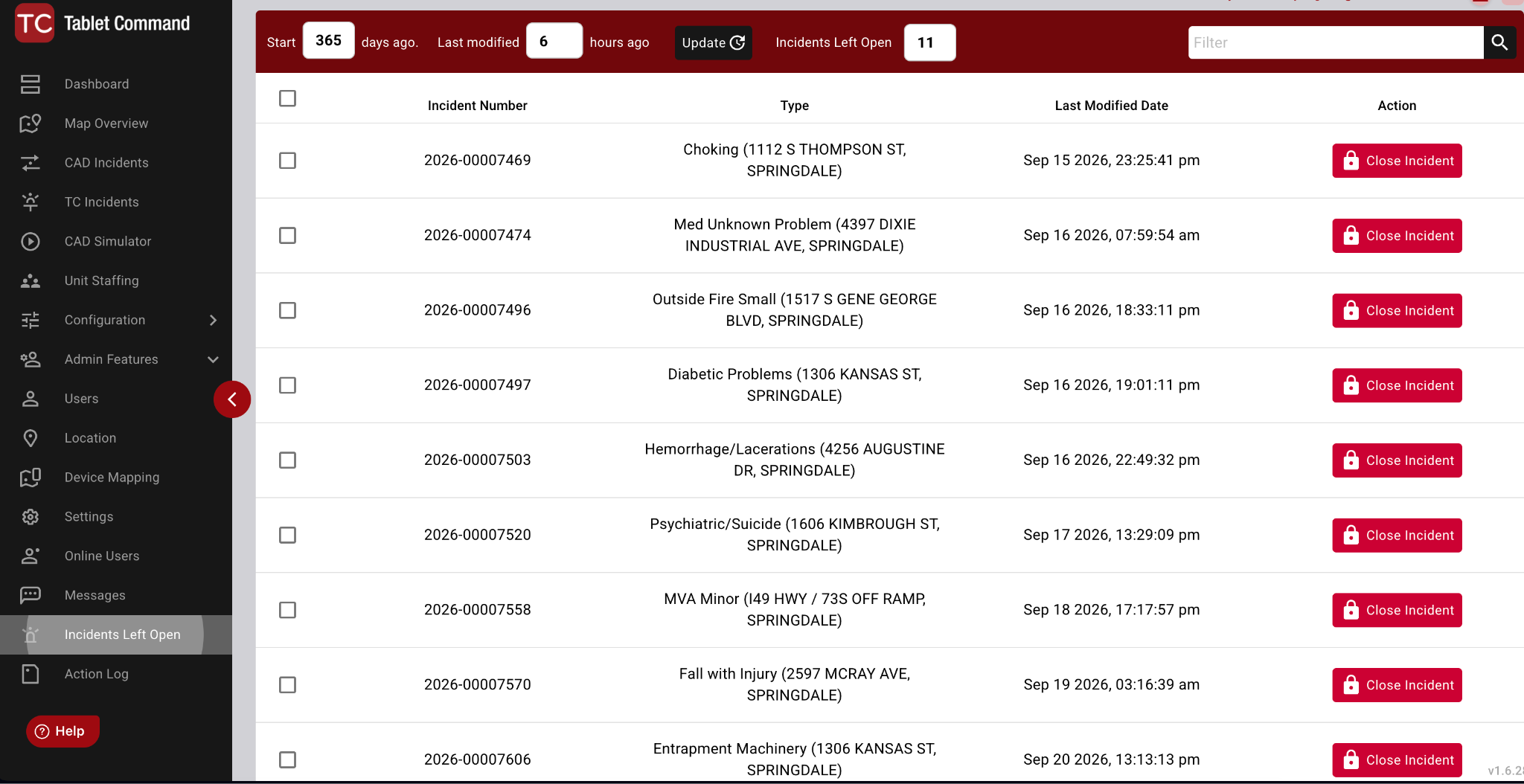
The Incidents Left Open page in the web portal.
Note
Incidents that are still being actively managed by a user will not close. The incident management must be ended either by that user or by an administrator by going into the call and selecting "End Incident."
Accidental Closure
If you accidentally close an incident, the incident will need to be updated from CAD by either the status change of an apparatus or the addition of a CAD comment to relaunch the incident in Tablet Command.