
Admins can close an iPad session from the web portal. You'll need to do this before another user can log in on that tablet, or before the same user can move to a new one.
Close an iPad Session
Requires admin or agency admin access in the web portal.
Log in to the web portal.
Go to Admin Features > Users and search for the user who needs to be logged off, then select them.
Scroll down to their iPad session (denoted by the horizontal Apple device and listed under the App Name column as "Tablet CMD" and click Close.
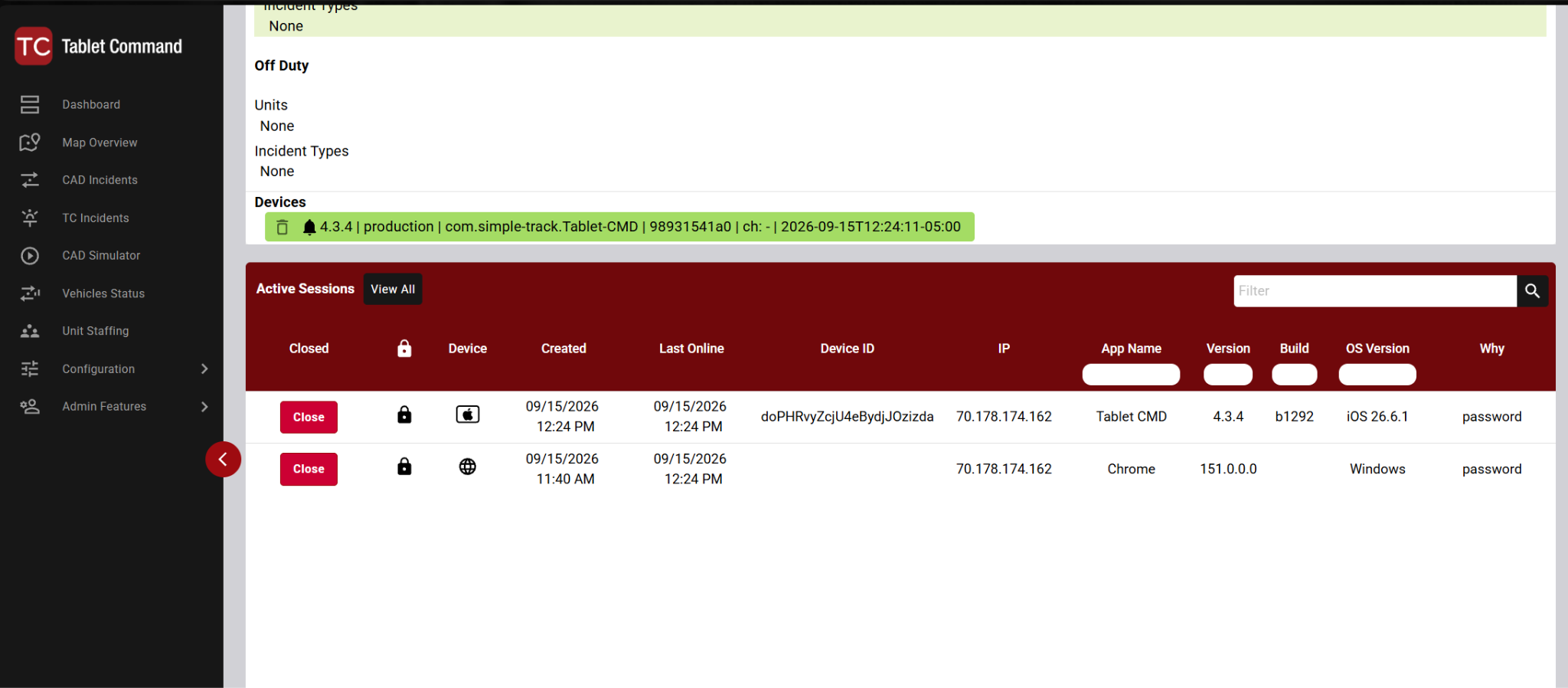
The Active Sessions section on the User Detail page.
Still Need Help?
If you can't find an active iPad session for the user, contact Tablet Command support with the username and the name of the device.